Markov Melody Generator
Core Functionality & Purpose
The primary purpose of this plugin is to realize a basic Markov chain model as a melody generator: it learns from existing MIDI clips in the current Ableton project, incorporates them into the model, and then uses the model to predict and generate new melody suggestions.
By doing so, the plugin helps composers and producers in the creative process by providing context-aware melodic ideas. It can generate supporting melodies (secondary melodic material) based on the style of the existing clip. It can also serve as a source of core melodic inspiration, accelerating the composition process by allowing users to quickly test and validate musical ideas.
Technology & Architecture
This plugin is implemented as a Max for Live device for Ableton Live 11. The core logic is written in JavaScript, utilizing the Max js object to handle data, manage the Markov model, and process MIDI information.
Technology & Architecture
Training
The model’s order can be configured. The plugin supports up to 6th-order Markov modeling to allow deeper context in learning.
The same MIDI clip can be trained multiple times, possibly at different orders, to refine the model.
Two training modes are supported. Overwrite mode clears the existing model and retrains from scratch while Merge mode retains the existing Markov data and adds new training data, thus accumulating data map.
Generation
The plugin writes notes into a clip in real time based on the configured model, without deleting the original notes in that clip. The number of new notes is controlled via a parameter.
A randomness ratio parameter determines how strictly the generation adheres to the learned Markov model: a higher ratio introduces more randomness and creative divergence.
Since there are different ways to search through a multi-order Markov model, the plugin provides multiple algorithmic strategies: currently implemented are a waterfall strategy and a weighted-ratio strategy.
Melody generation is based on the currently selected MIDI clip. Through the Ableton Live API, the plugin obtains the selected clip and appends new notes after the last existing note in that clip.
Project Overview
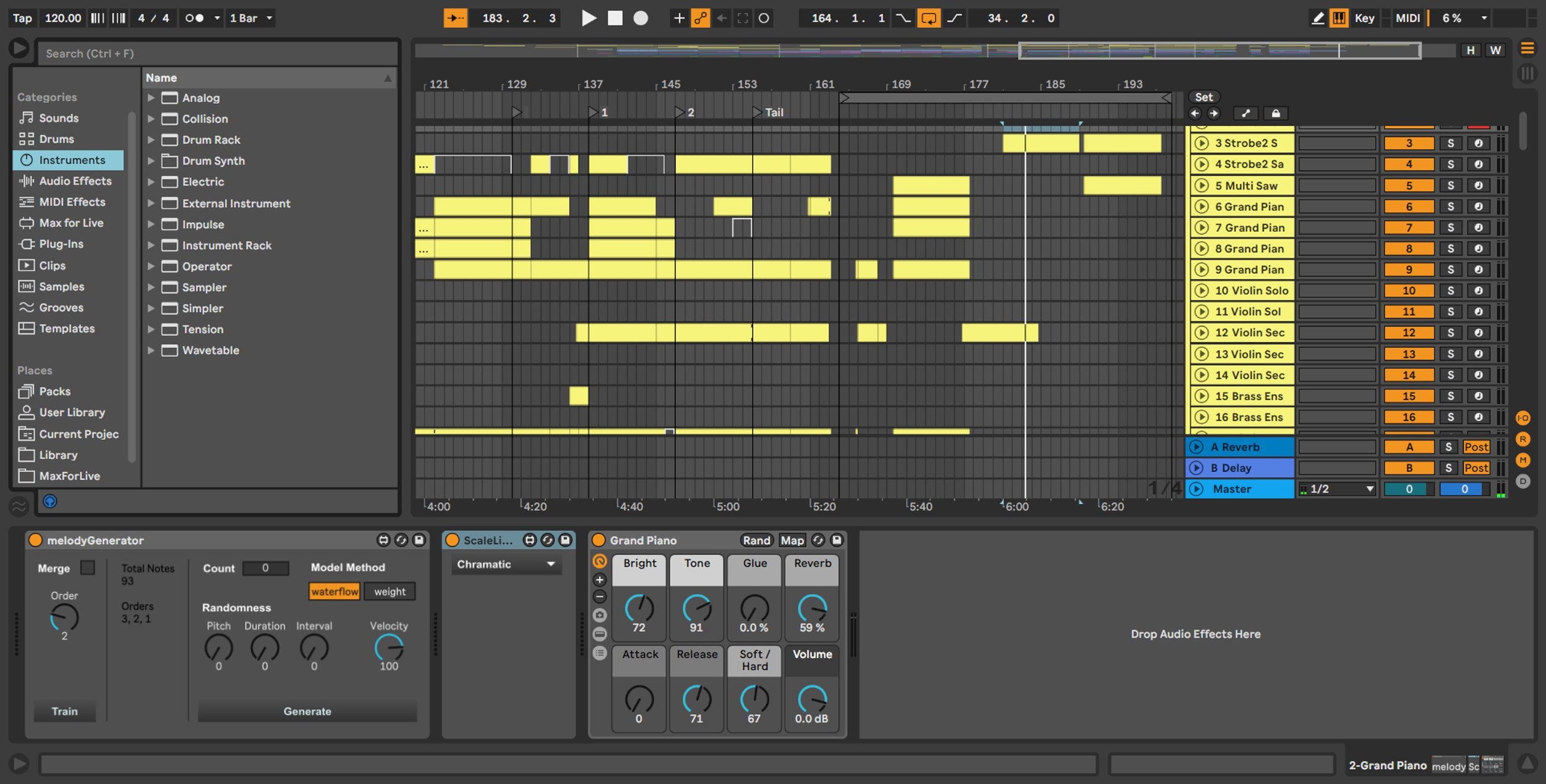
The Max4Live plugin loaded into a MIDI track (location shown in bottom-left corner).
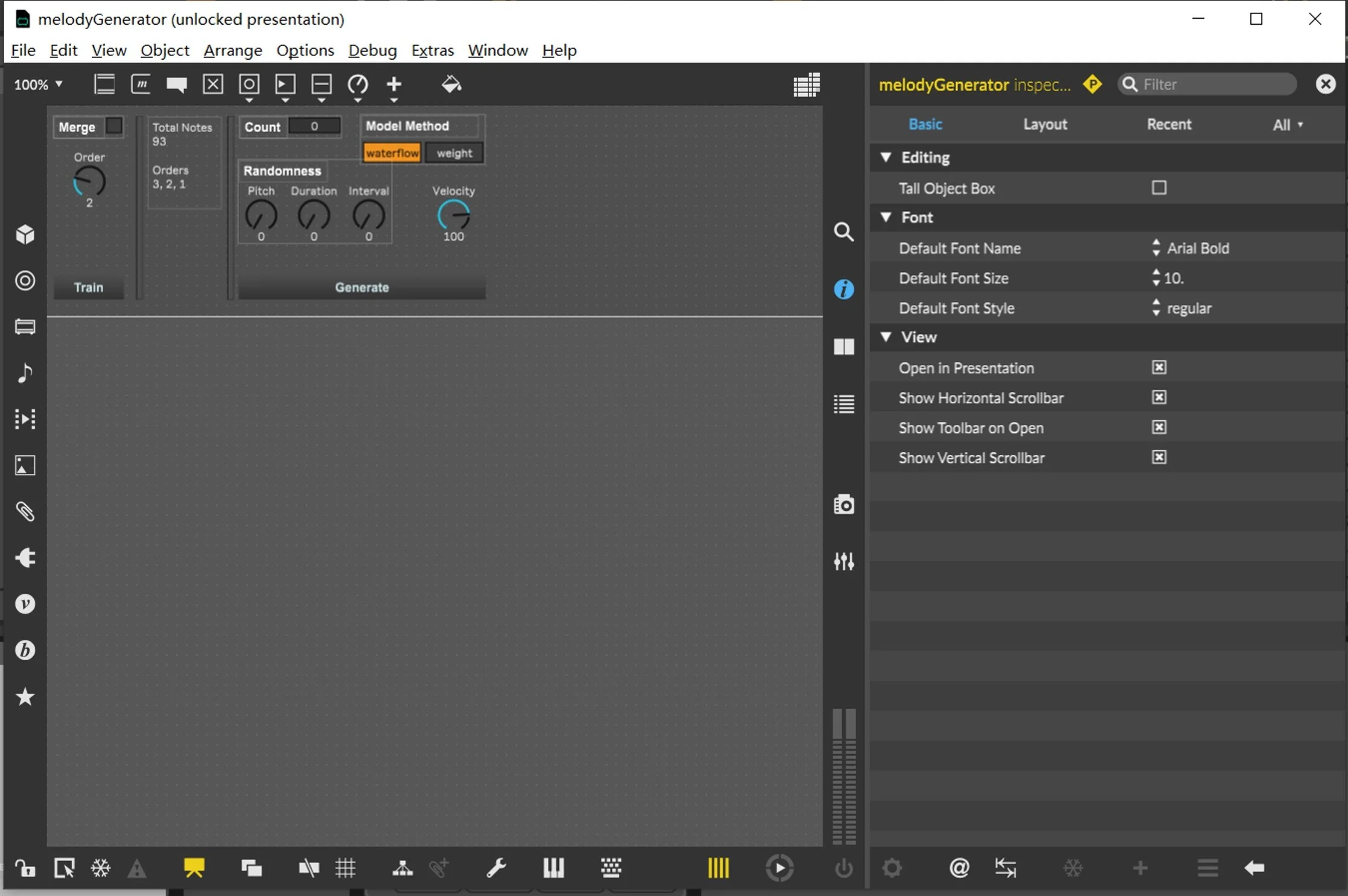
Max interface in presentation mode.
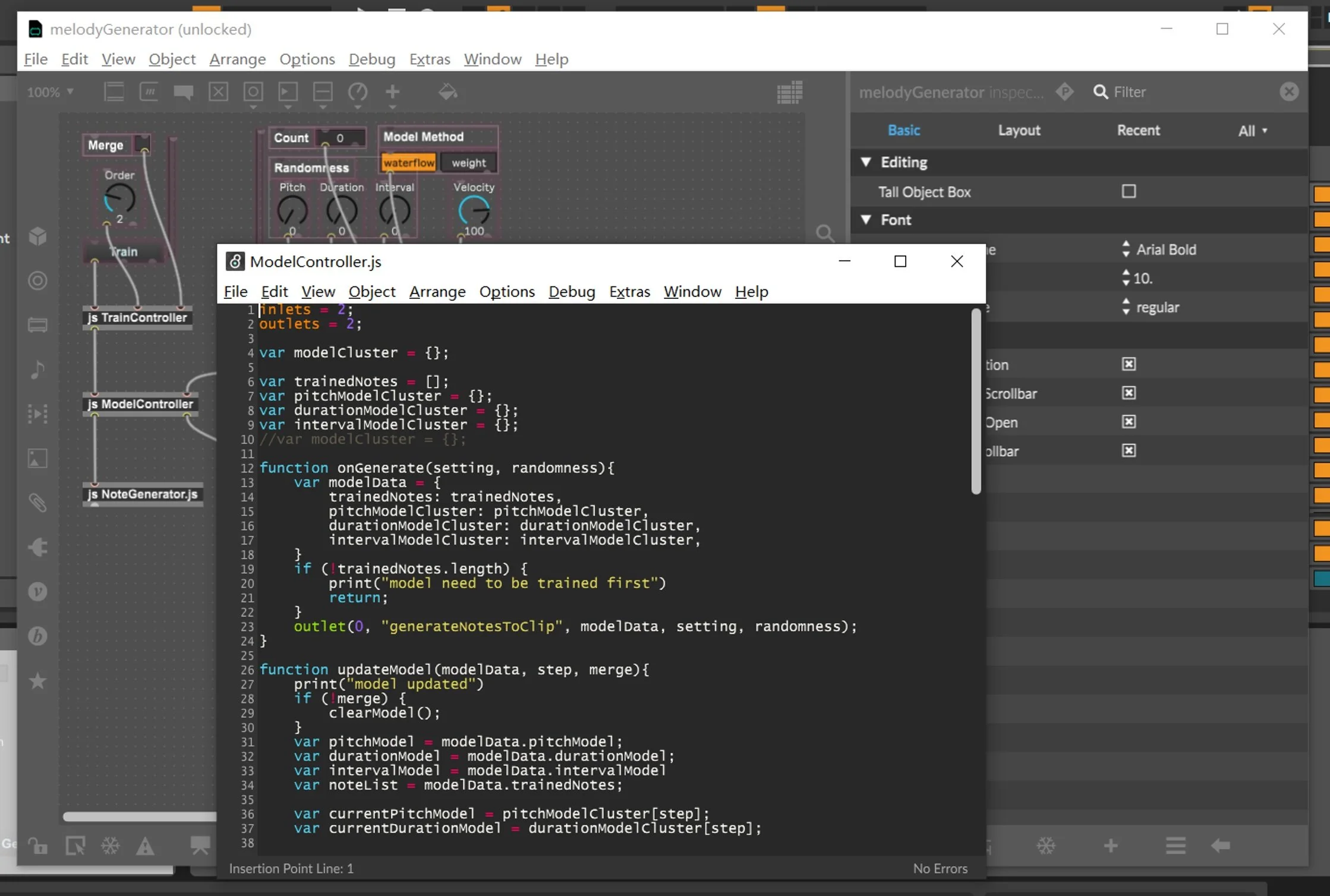
A custom JS node containing the model controller code.
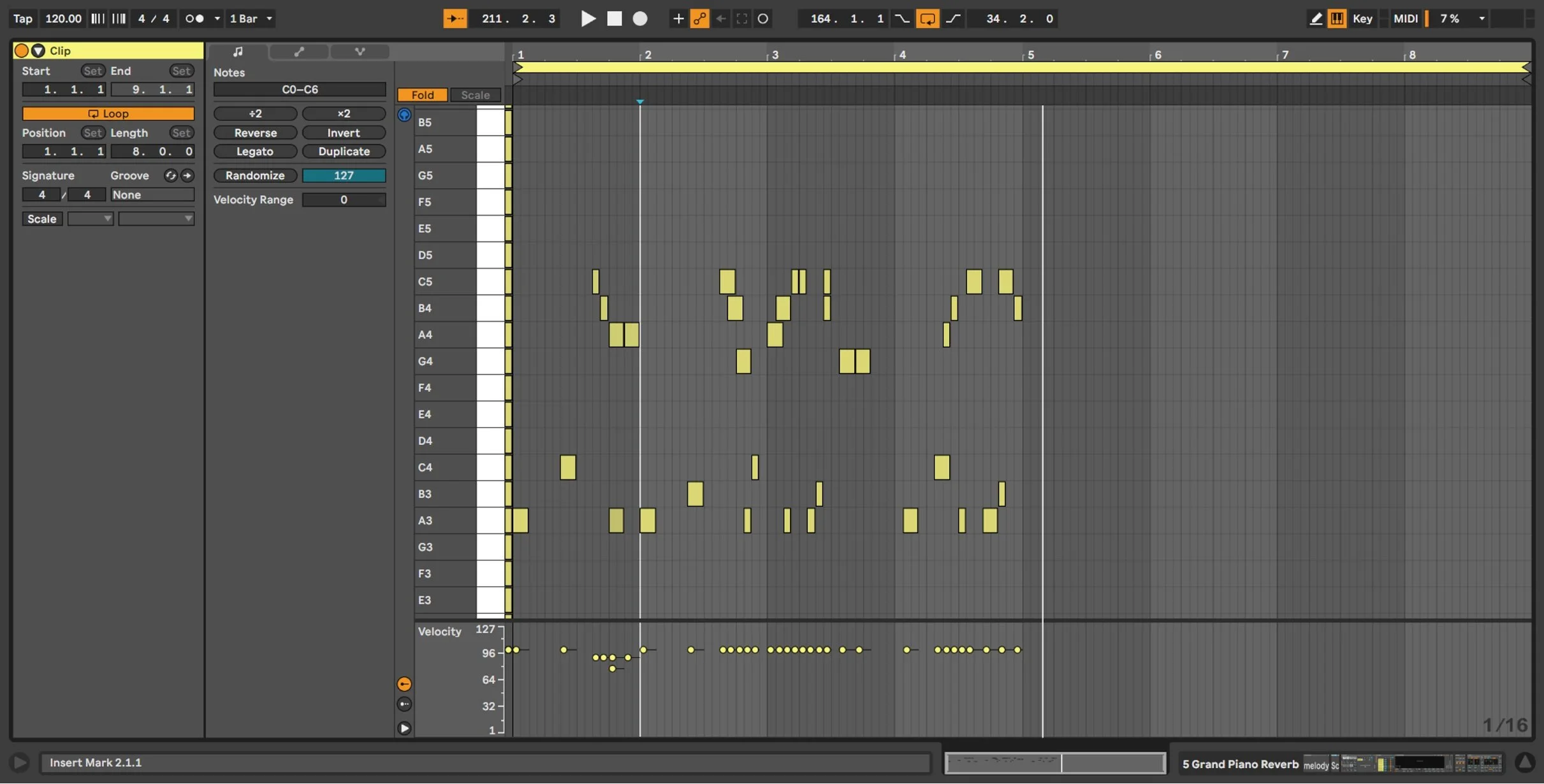
Trained on MIDI clips containing existing musical notes.
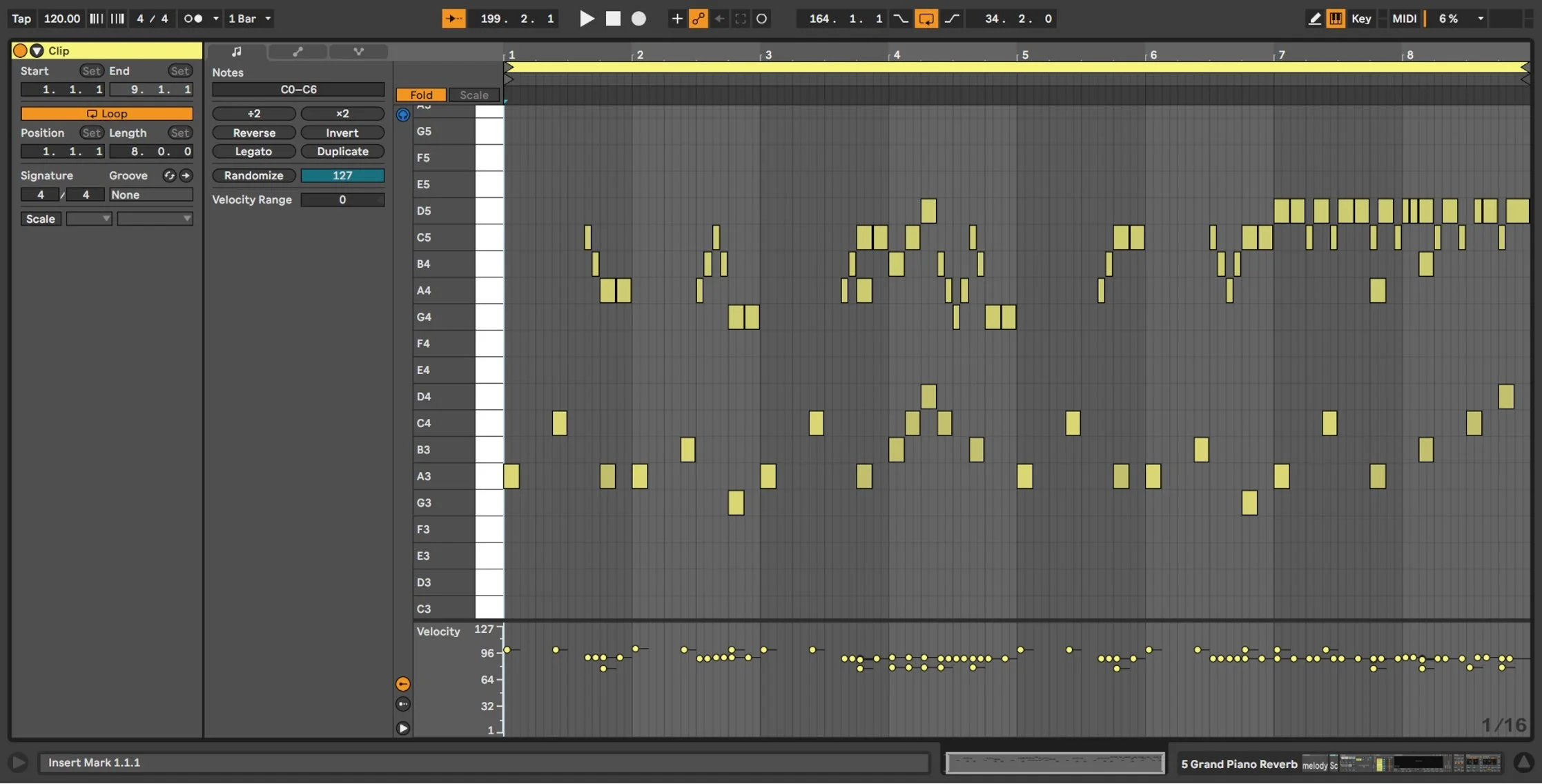
Generates a predicted note.